Pay less for Azure
Resource Lens cross-checks cost, inventory, Advisor, monitoring, pricing, and change evidence so your teams can distinguish credible savings from risky guesses—without giving the service authority to change resources.
Resource Lens is a SaaS offer purchased through Azure Marketplace and configured from the Resource Lens portal.
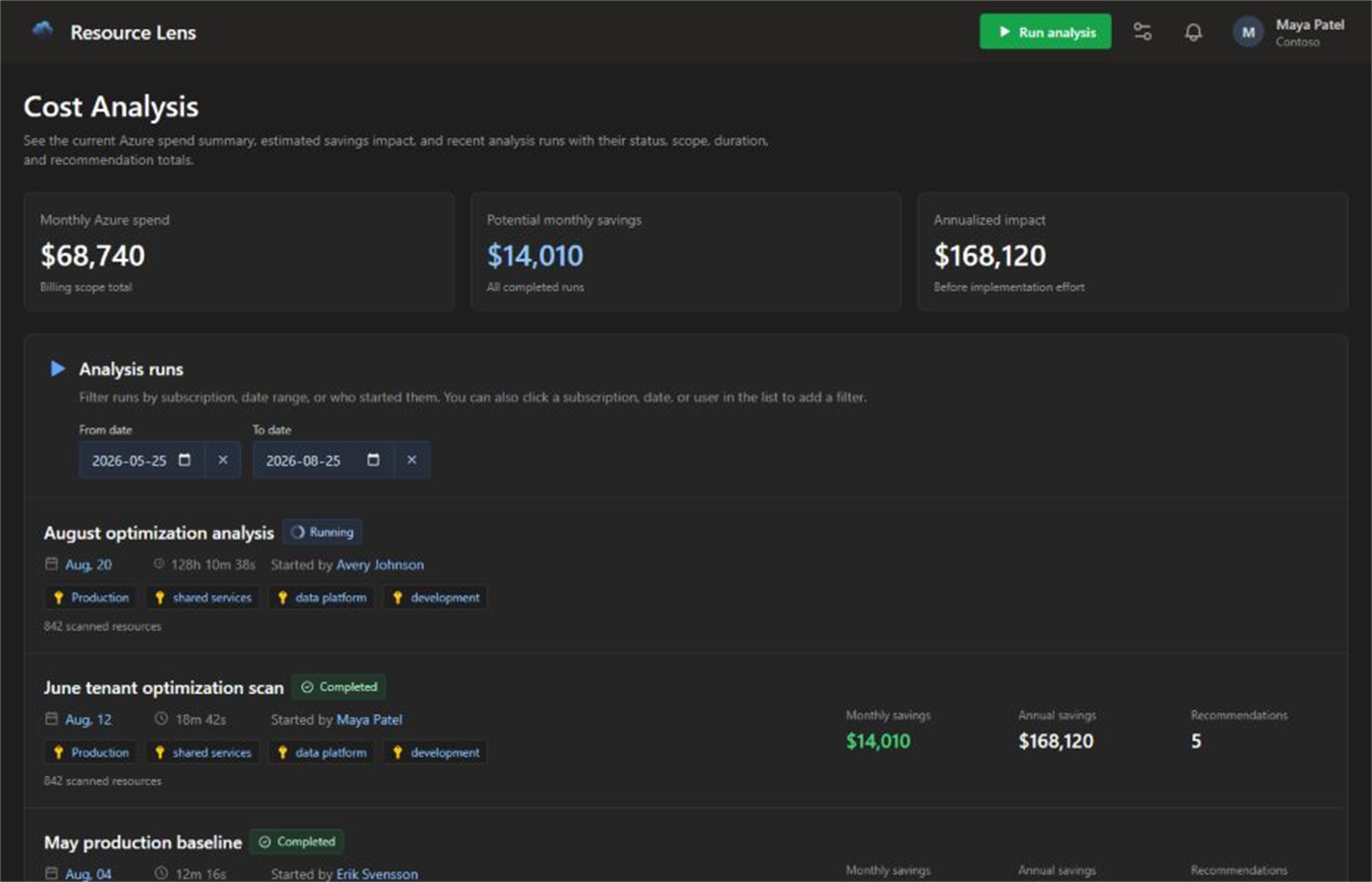
Move beyond native recommendation aggregation
Use Azure's own signals as evidence, then add counter-signals, uncertainty, scope context, alternative scenarios, and review-ready implementation guidance.
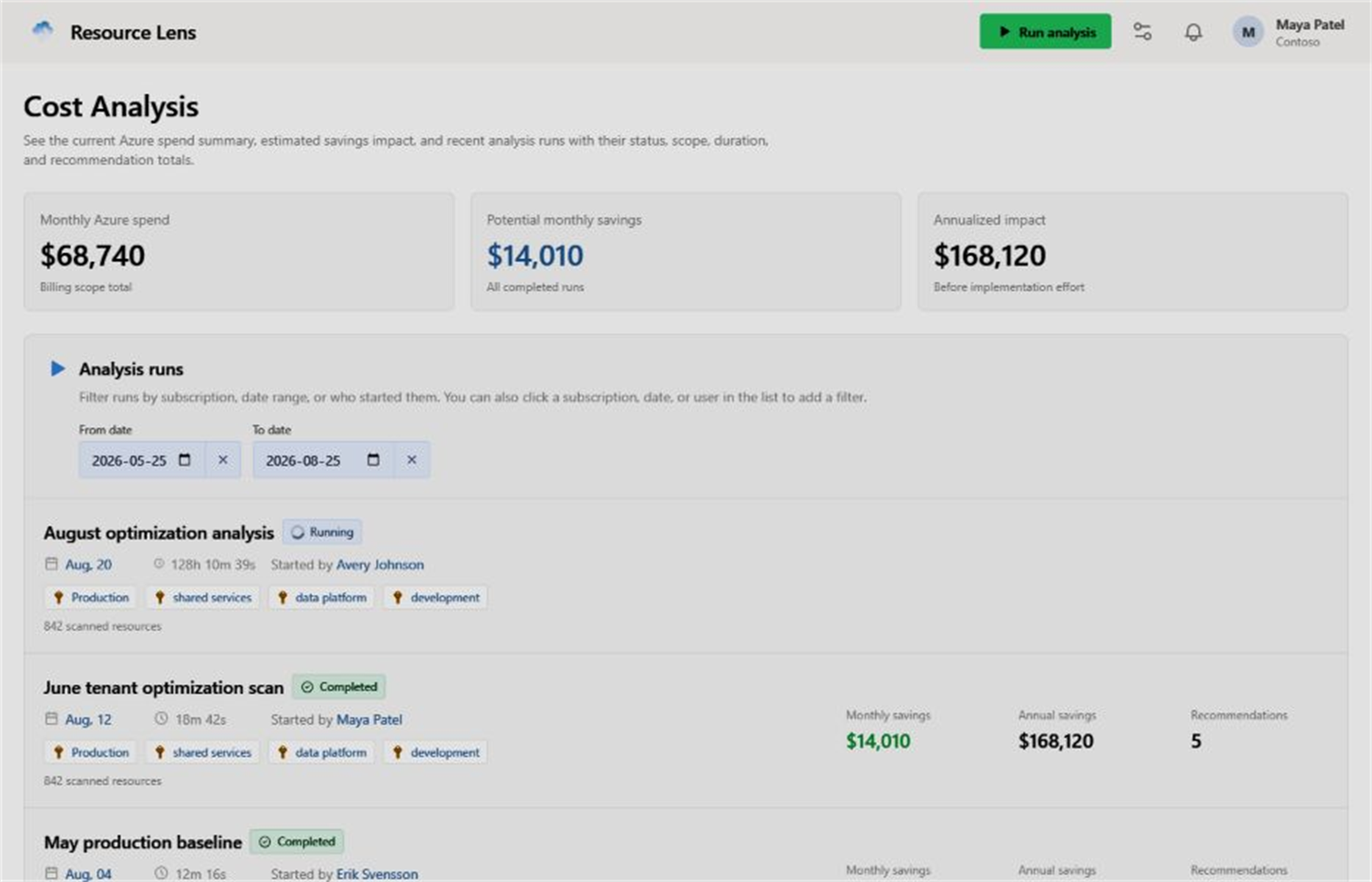
Cost analysis ranks savings opportunities by estimated impact, confidence, risk, and affected scope. Live status, run history, filters, and reruns keep recurring reviews accountable.
Start with a controlled scope
Select management groups or subscriptions, choose the resource types to review, and grant only the read-only roles needed for the evidence you want Resource Lens to use.

Compute
Storage
Networking
Databases
Containers
Kubernetes
Identity
Security
Monitoring
Backups
Analytics
DevOpsFeatures that drive savings decisions
Resource Lens focuses on the capabilities customers need to control Azure spend: safe onboarding, savings analysis, recommendation evidence, implementation guidance, and leadership reporting.

Resource Lens reads Azure metadata and recommendations. Your organization remains responsible for reviewing and applying changes.
Turn recommendations into accountable action
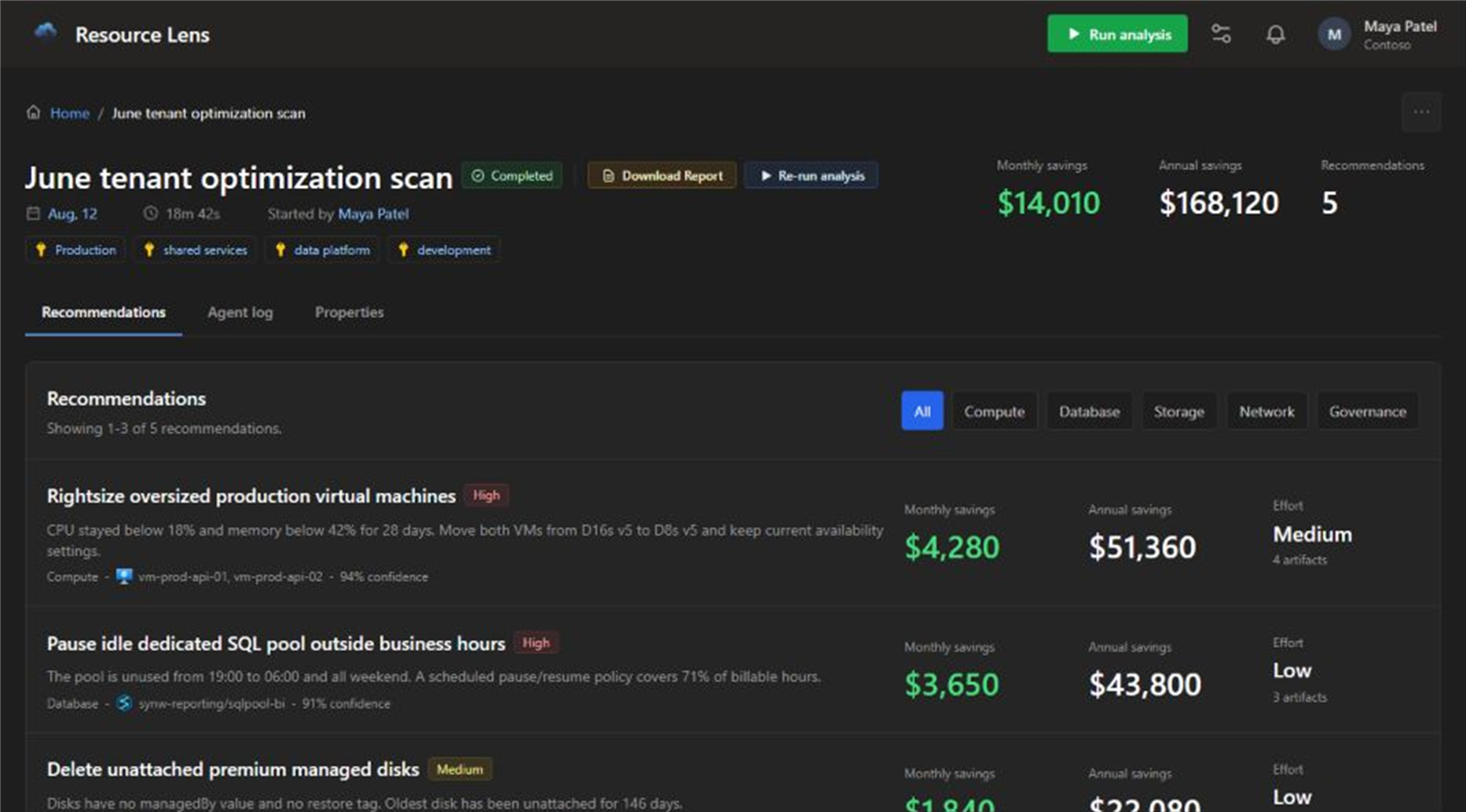
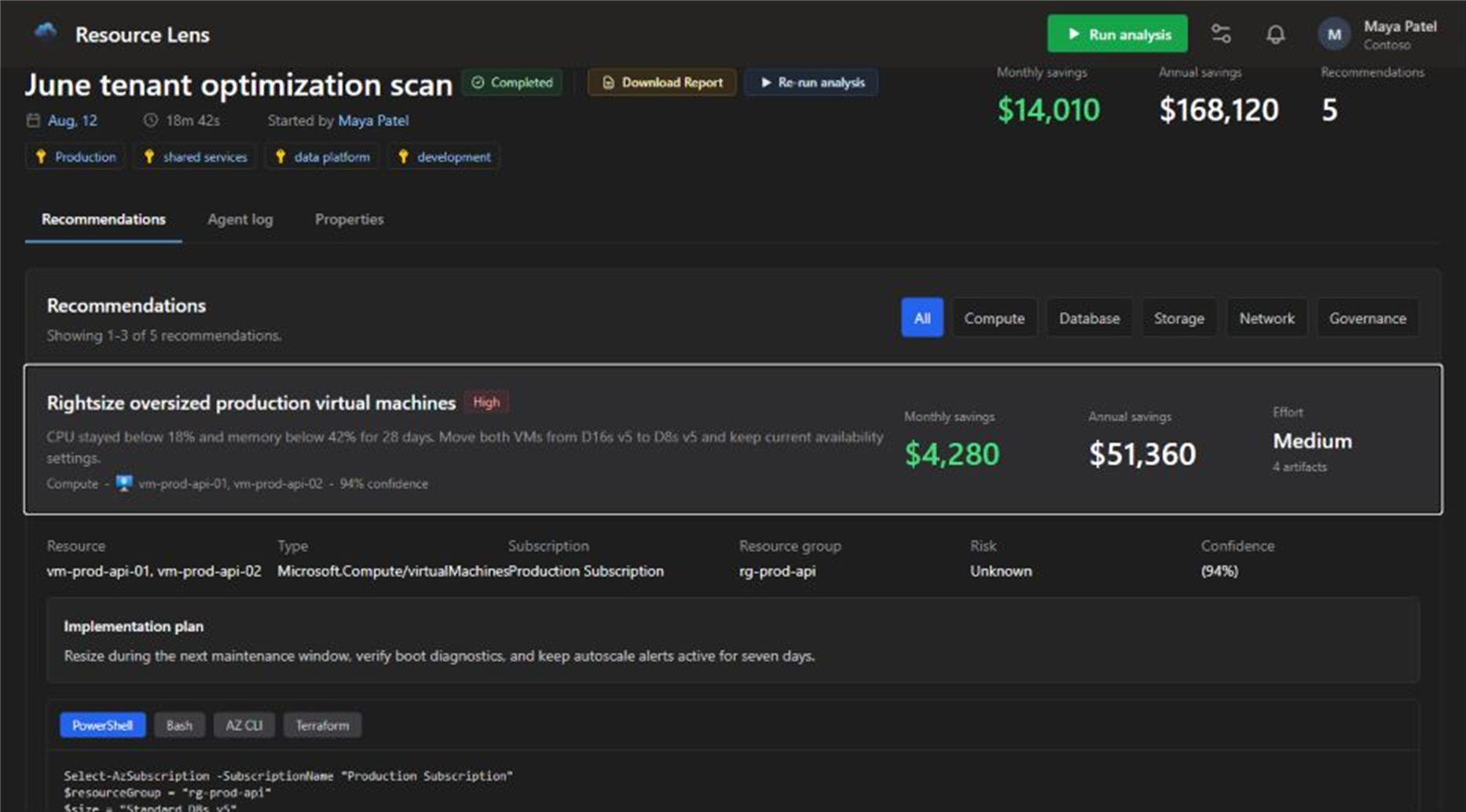
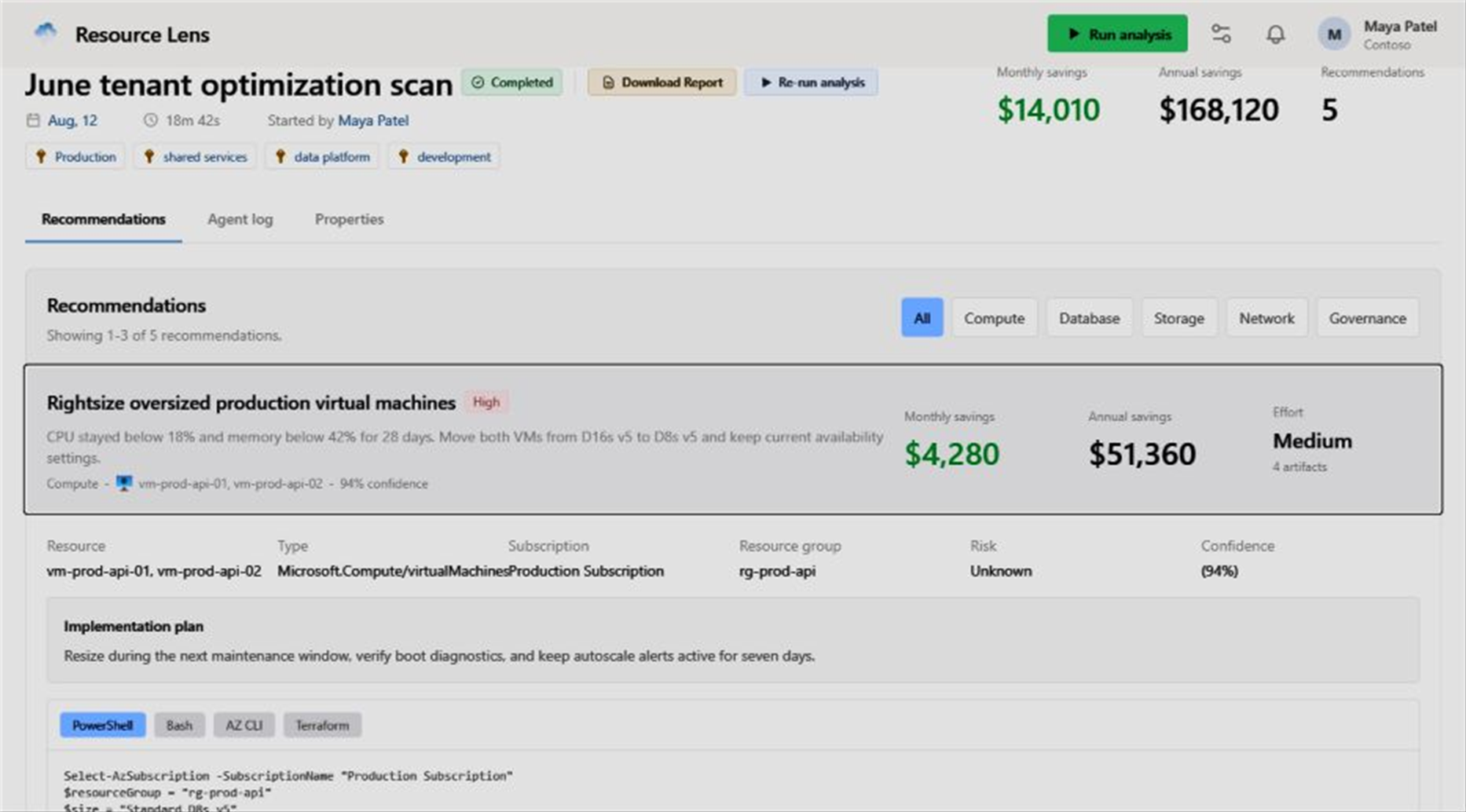
Each recommendation connects savings potential to affected resources, evidence, counter-signals, assumptions, confidence, risk, validation needs, and alternative optimization scenarios.
Implementation artifacts can be copied or downloaded for engineering review, with provenance and integrity details retained alongside the recommendation.
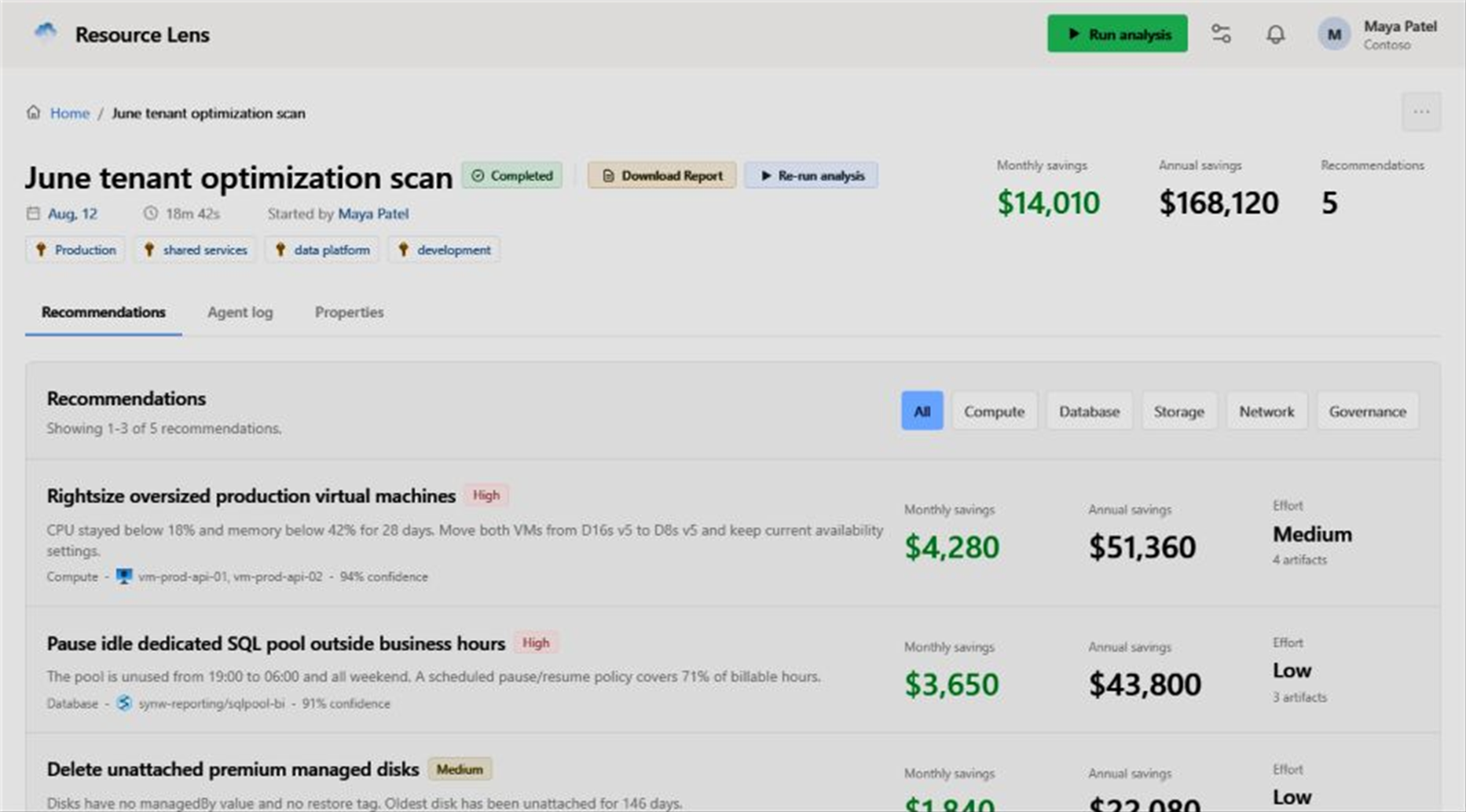
Recommendation context gives reviewers the evidence behind each cost-saving opportunity.
Procure and govern through familiar Microsoft channels
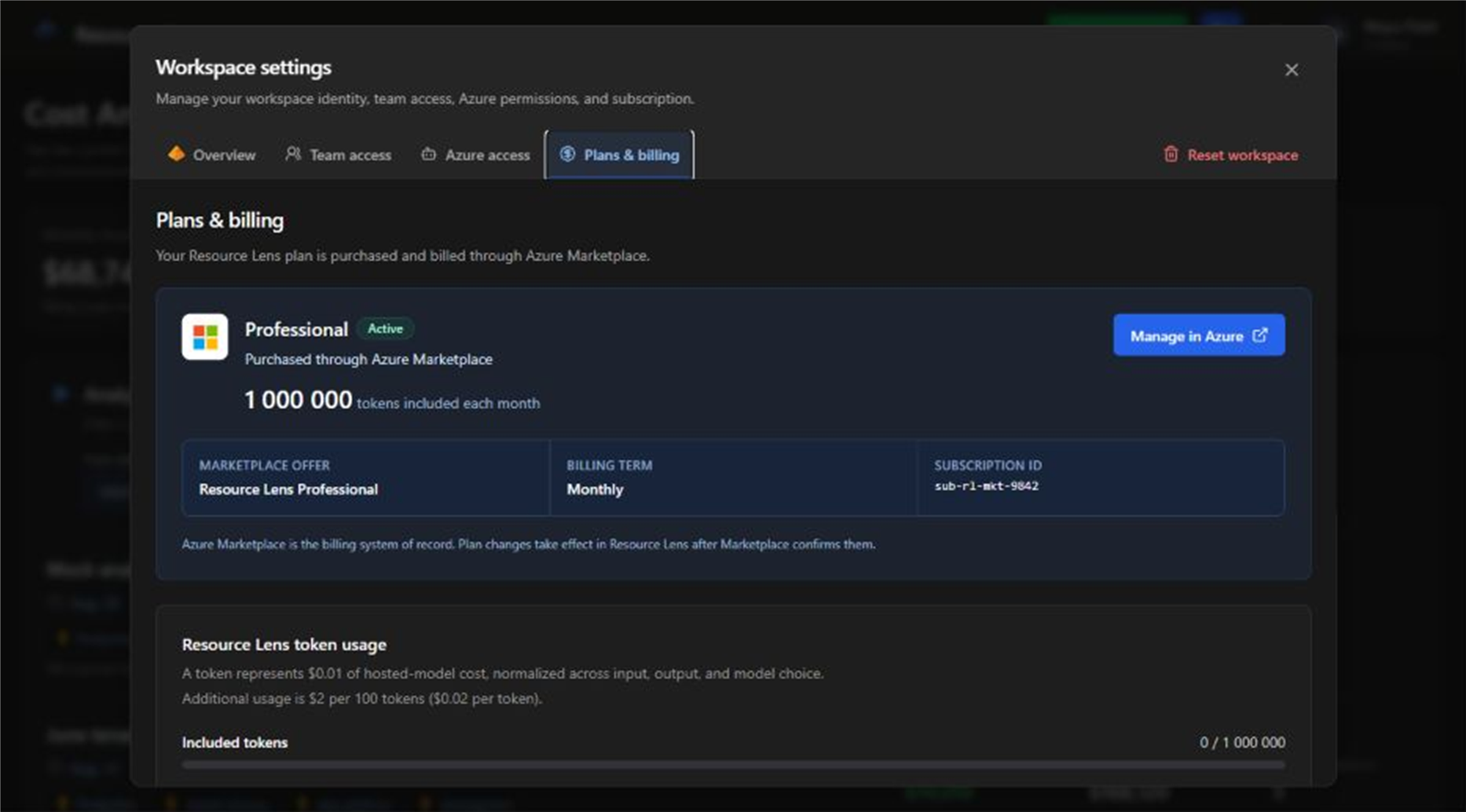
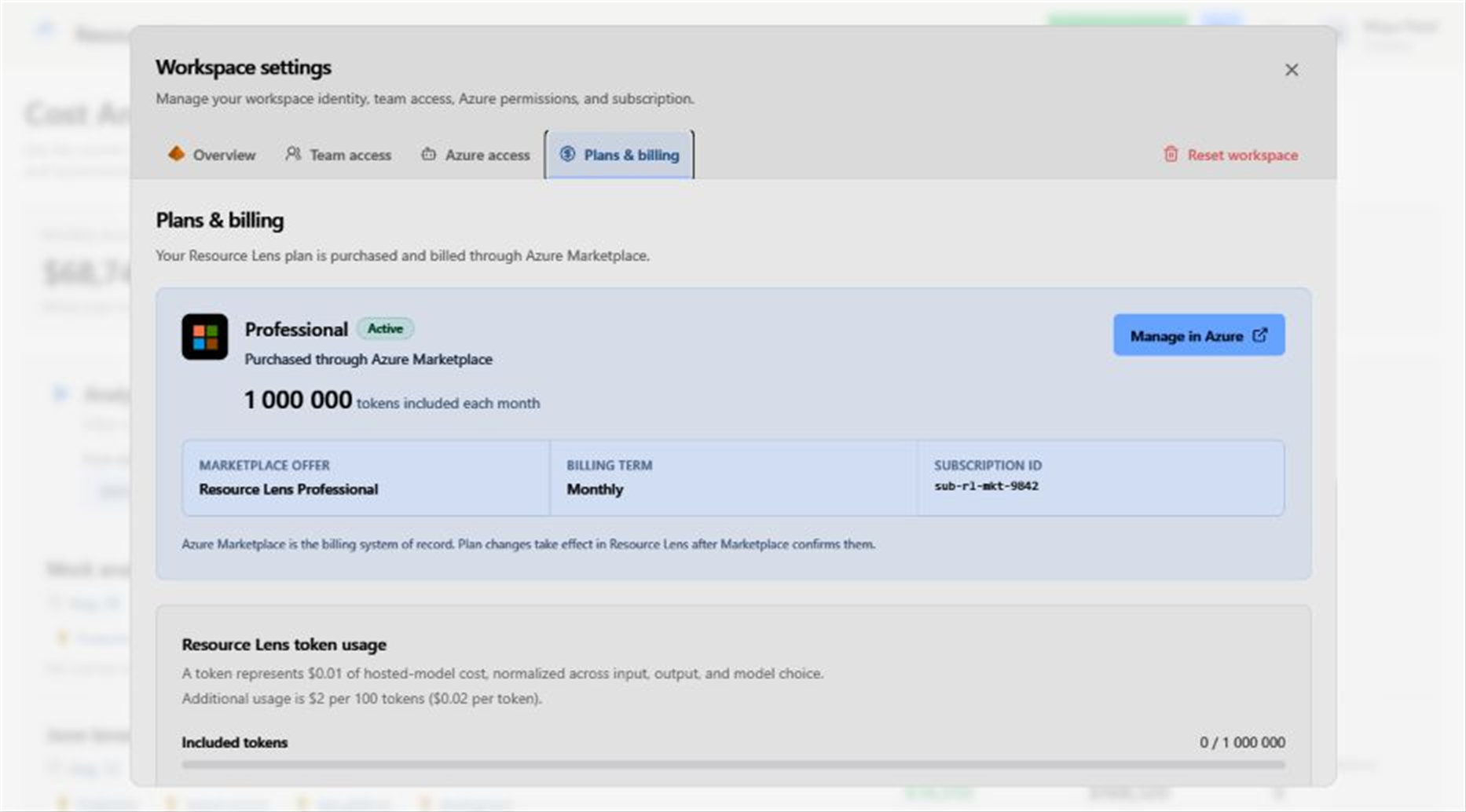
Subscribe through Azure Marketplace, monitor included AI-token usage and overage limits in the portal, and manage team and subscription access through existing Azure and Entra processes.
Marketplace billing keeps procurement, invoicing, plan changes, usage allowances, overage controls, and cancellation aligned with Azure.
User access guidance helps map owners, analysts, and readers to Entra ID groups.
Azure cost control, on your terms
Find your next Azure savings opportunity
Start with controlled, read-only analysis and keep every resource change under your team’s authority.
Pay less for AzureCost control capabilities
A focused portal for IT leaders who need credible Azure savings recommendations without losing operational control.
Controlled Onboarding
Verify the tenant, grant consent, select management groups or subscriptions, configure read-only roles, and validate access.
Savings Analysis
Run scoped analysis across selected subscriptions and resource types with live progress and reviewable results.
Recommendation Context
Review evidence, counter-signals, assumptions, telemetry gaps, confidence, risk, and optimization scenarios.
Implementation Guidance
Copy or download implementation artifacts that internal teams can validate before making any Azure change.
Leadership Dashboard
Track spend, potential savings, annualized impact, live run status, history, and recommendation totals.